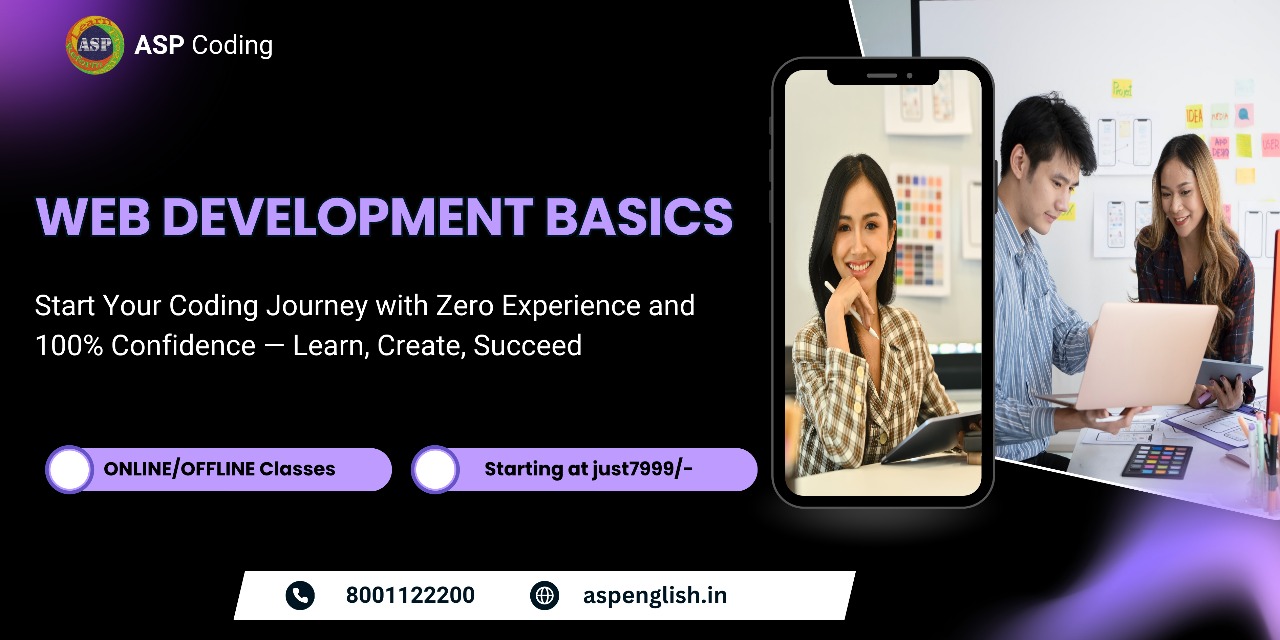
Website Development
Learn HTML, CSS, and basic JavaScript to create and style simple web pages. Make sure layouts look professional, adapt nicely to different mobile displays, and load fast. This course is the perfect starting point for junior frontend layout designers.
* EMI options and flexible batch schedules available upon inquiry.
For Pro Plan
6 Months
Online / Offline
Live + Recorded
10+ Tools
About Web Development Basics
A basic web designer creates and styles simple web pages using HTML and CSS, ensuring the site looks good, is easy to navigate, and works well on different devices.
Learn Core Web Technologies (HTML, CSS, JavaScript)
Hands-On practice building responsive pages
Create responsive page grids and media queries
Project-based layout assessments
Launch layouts live to GitHub Pages
Professional certificate upon completion
Exclusive Course Offerings
Real-World Relevant Syllabus

All-in-One Learning Material

Interactive Live Classes
Hands-on Final Project

Practical Exercises & Assessments
Certification of Completion

Career Guidance & Interview Prep

24x7 Learning Assistance
Master These Tools
Visual Studio Code
HTML • CSS • JavaScript
Bootstrap CSS
Git & GitHub
Visual Studio Code
HTML • CSS • JavaScript
Bootstrap CSS
Git & GitHub
Visual Studio Code
HTML • CSS • JavaScript
Bootstrap CSS
Git & GitHub
Visual Studio Code
HTML • CSS • JavaScript
Bootstrap CSS
Git & GitHub
Visual Studio Code
HTML • CSS • JavaScript
Bootstrap CSS
Git & GitHub
Course Curriculum
Web Fundamentals (HTML5 Basics)
Introductory lectures are fully unlocked for you to preview! Click any lecture with a play icon to load the lecture video in our interactive player.
Build Projects From Scratch
Work on hands-on web projects built during different modules of the course curriculum.
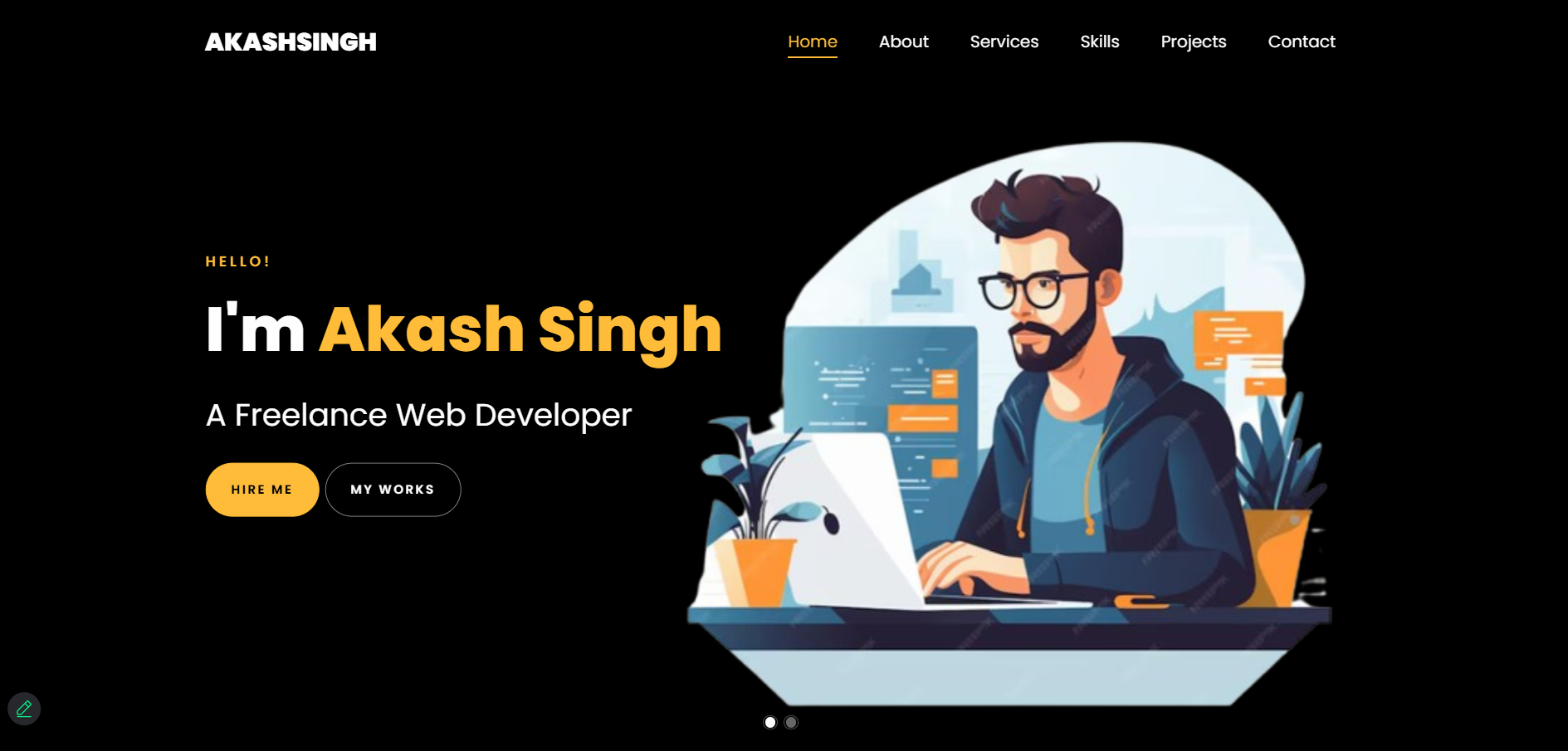 HTML5 & CSS3
Personal Portfolio Website
Create a responsive portfolio using HTML5 & CSS3 showcasing your skills, projects, and contact form.
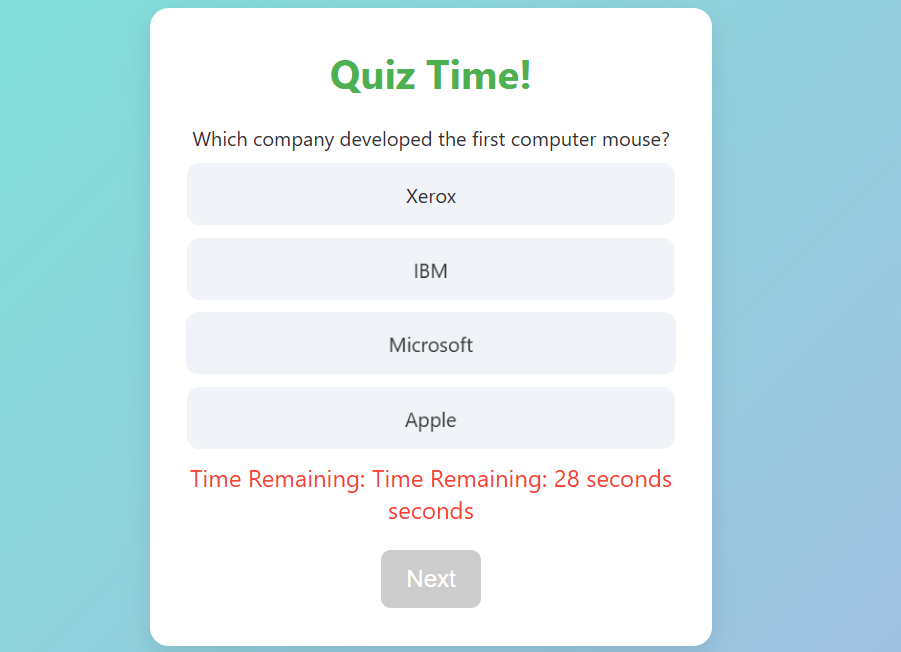 Vanilla JavaScript
Interactive Quiz App
Test your JavaScript knowledge by building a quiz app with DOM manipulation and score tracking.
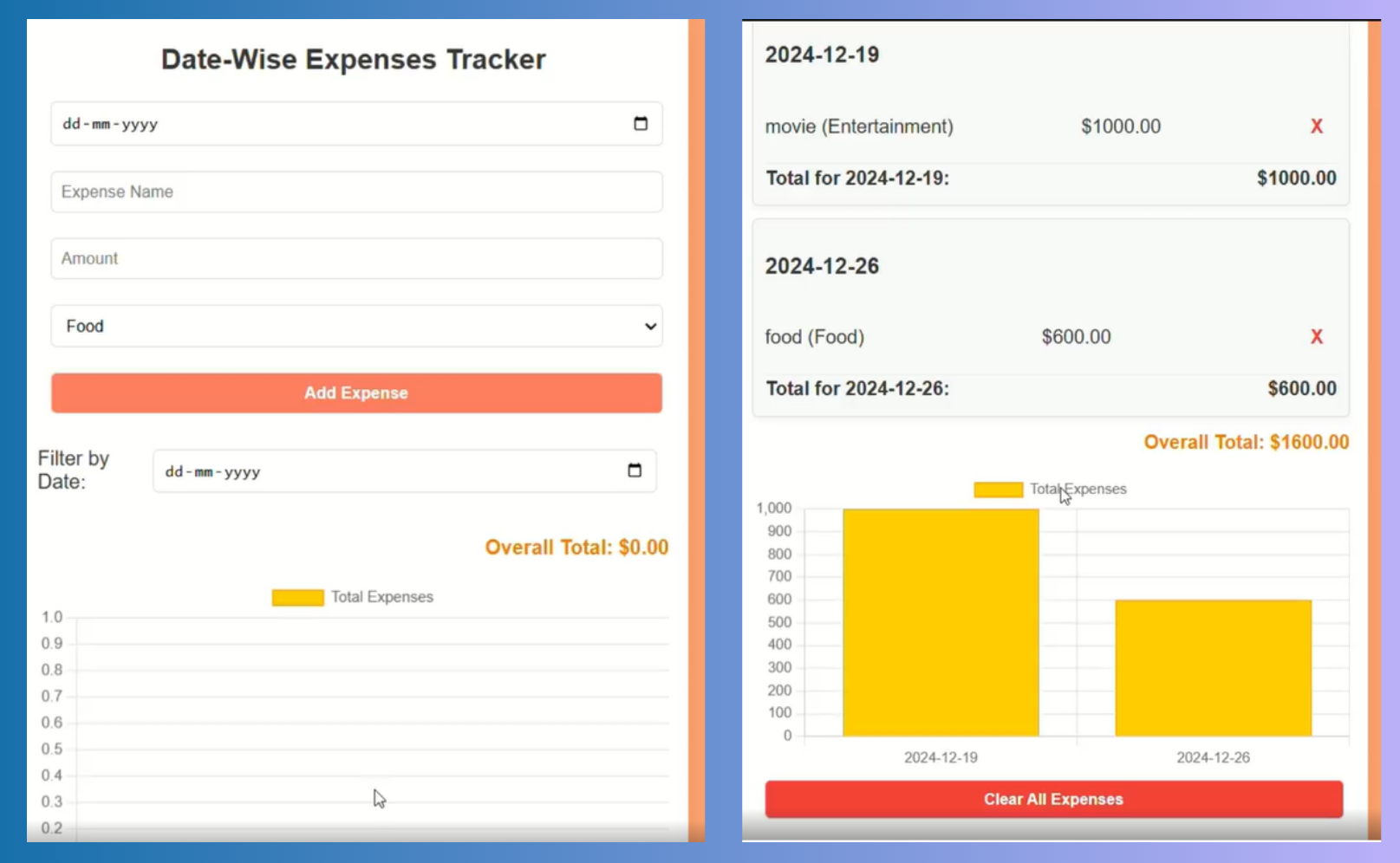 ES6 JS & localStorage
Expense Tracker
Manage expenses and savings dynamically with JavaScript arrays, objects, and localStorage.
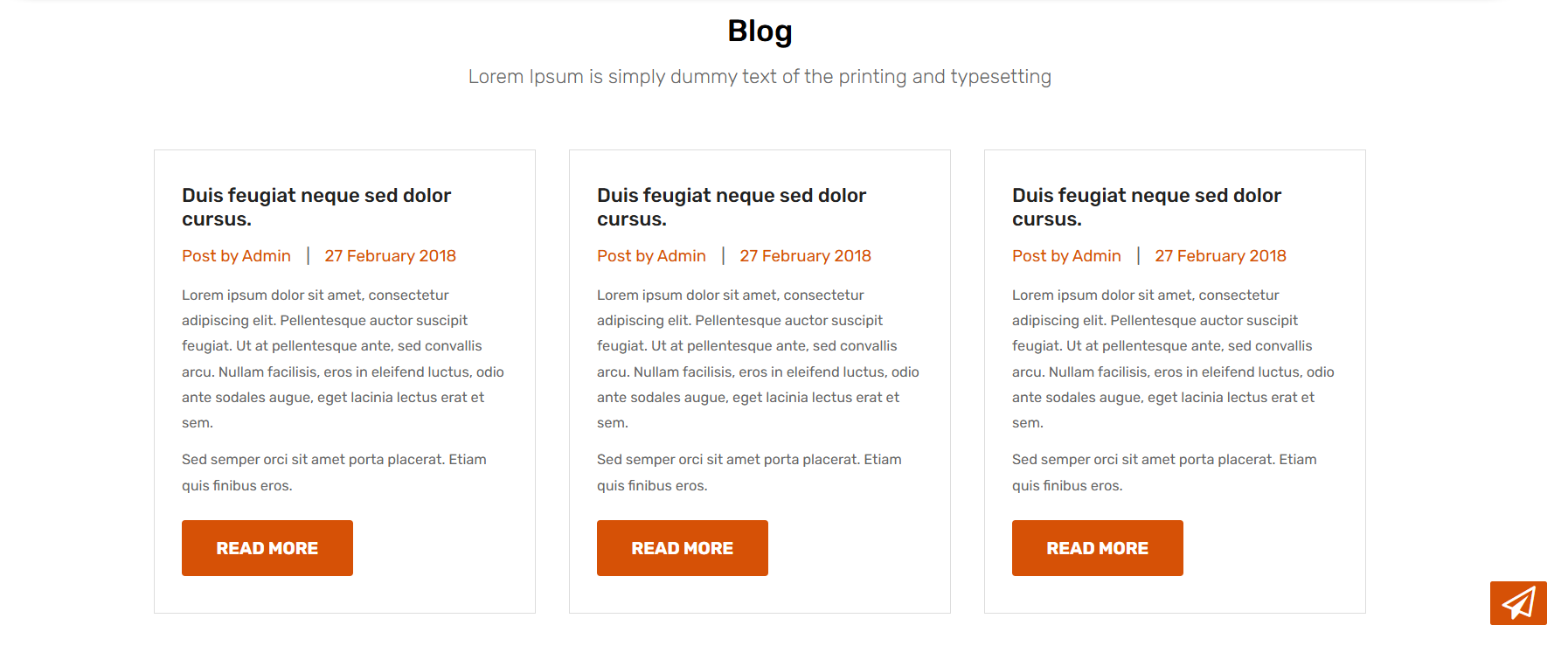 React Components & Hooks
Blog App (React.js)
Create a blog platform with React components, props, and state — enabling post management.
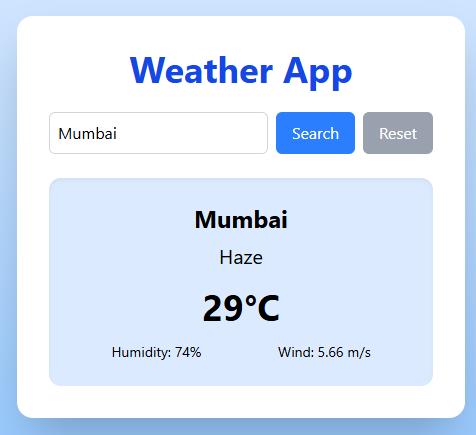 React Router & Fetch API
Weather UI
Integrate a weather API and display live data using React Router and conditional rendering.
Students' Project Showcase
See the actual live deployments coded by our graduates.
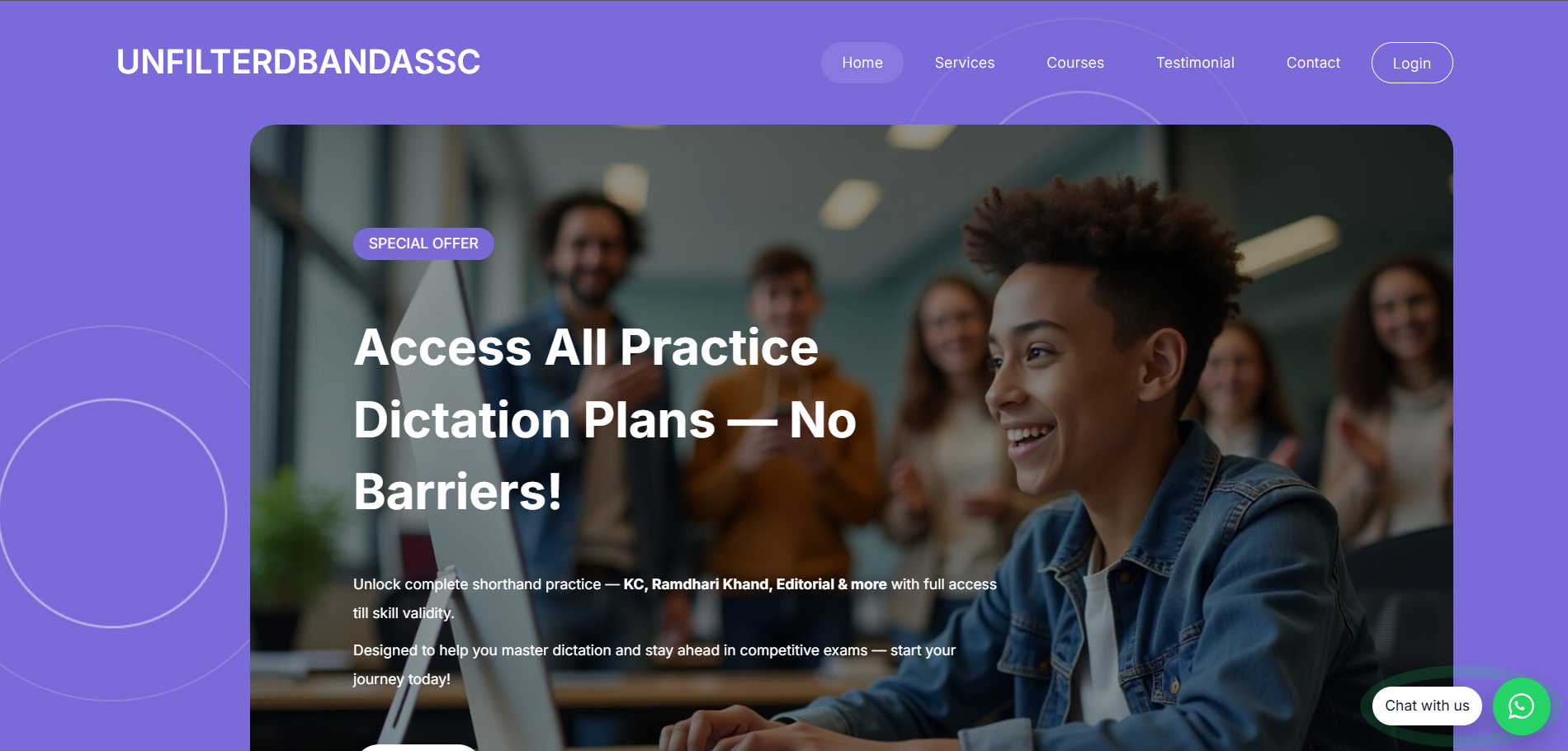
Unfilterd Banda SSC
Built with JavaScript & PHP (Live Project)

Biswadeep Singh
Full-stack Developer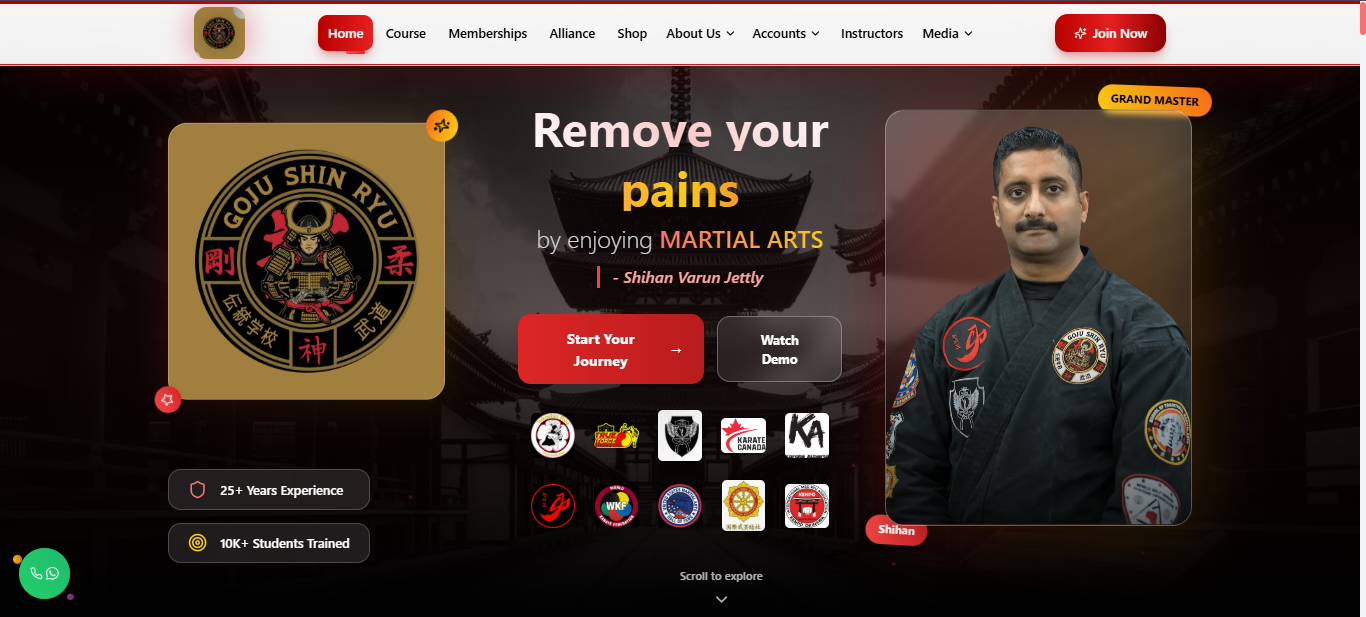
Goju Shinryu
Built in MERN (Live Project)

Priyanshu Kumar
Full-stack Developer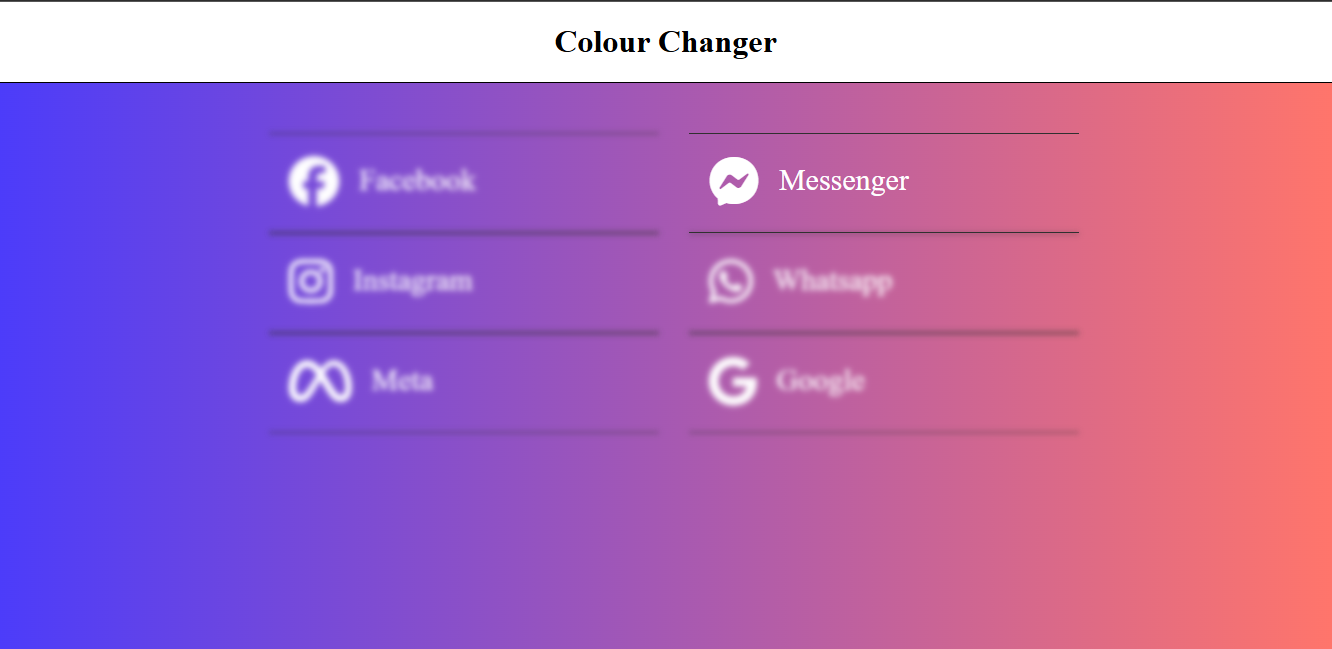
Colour Change Project
HTML, CSS, JS Project

Priyanka Kumari
Web Developer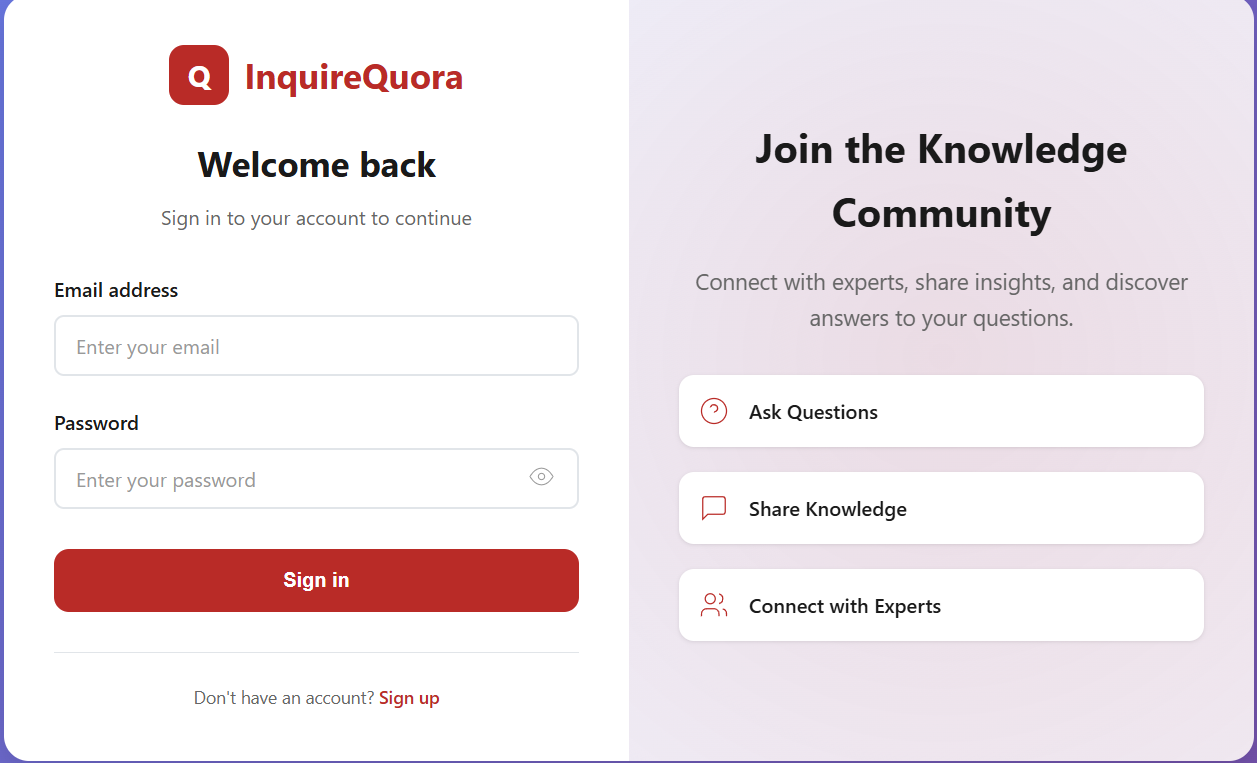
Inquire Quora
Built in React and Tailwind

Sristi Kumari
Web Designer
Delicate Dusk
Built in React and Tailwind

Vinisha Victor
Web DesignerMeet Your Mentors

Abhishek Prasad
Full Stack Development · Digital Marketing · Data Analytics
5+ Years
Industry Exp
4+ Years
Teaching Exp
Mentor at ASP Computer Coding
Choose Your Plan
Web Development Master Course
Learning Mode
Hybrid Learning – Access recorded video lessons + live weekend doubt sessions.
Certification
Professional Certificate of Completion from the institute.
Case Studies
10+ Hands-on Projects + Capstone Project (Portfolio + CRM).
Doubt Sessions
Live Doubt Clearing every weekend via Zoom / Meet.
Assignments
Weekly Practice Assignments with Evaluation Support.
Career Support
Resume Review, Interview Preparation, and GitHub Portfolio Setup.
Still Confused?
Get connected with our academic experts and discover what paths are best for your career future.
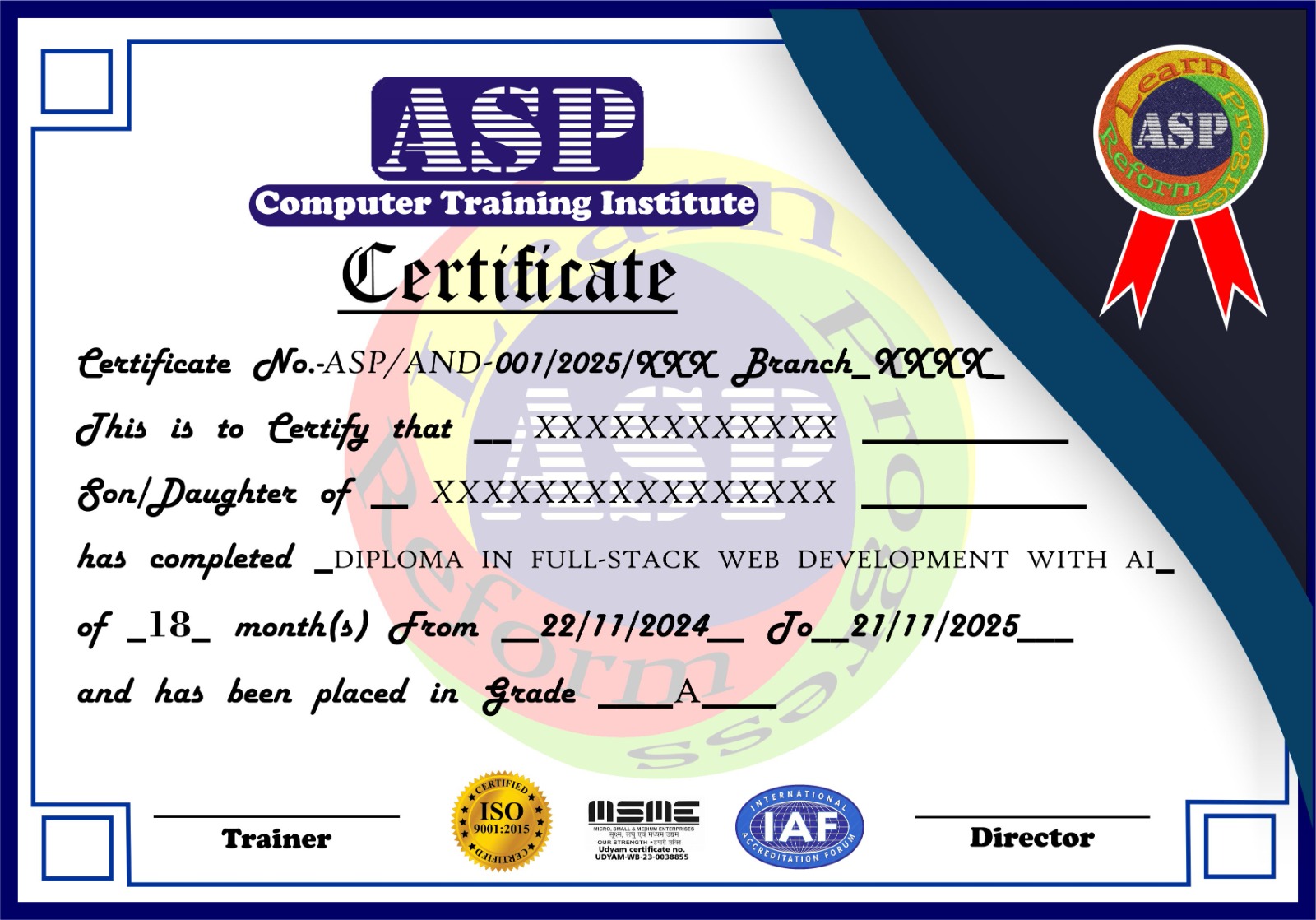
Get Certified
Professional Frontend Development Certification
Showcase your skillset on LinkedIn or resume with a verified digital certificate. You must satisfy the following criteria:
- Complete at least 60% of the video lectures modules.
- Score a minimum of 60% in cumulative quizzes & project submissions.
- * Job placement eligibility requires completion of the portfolio projects. Refer to the FAQs for detail guidance.
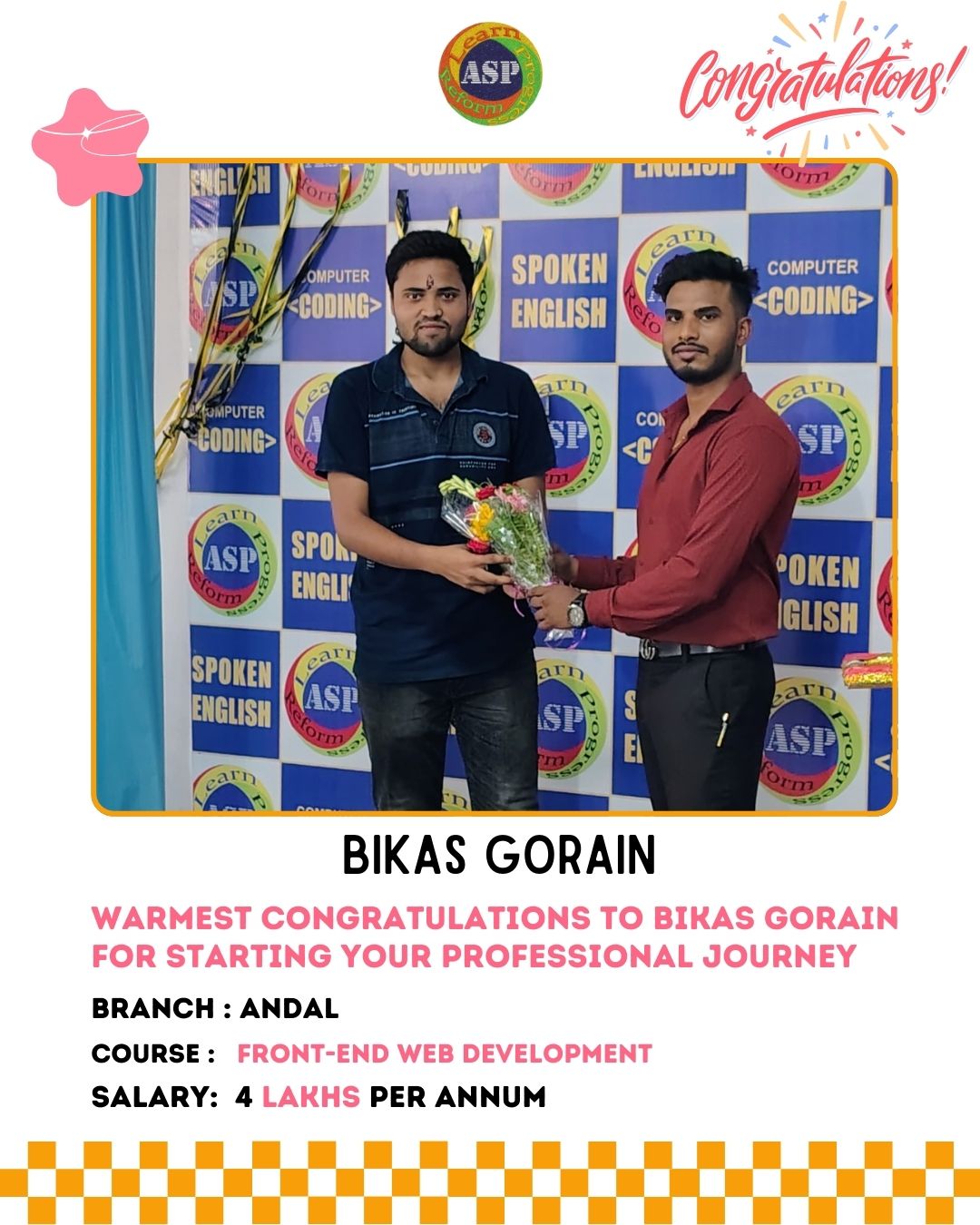
Success Stories
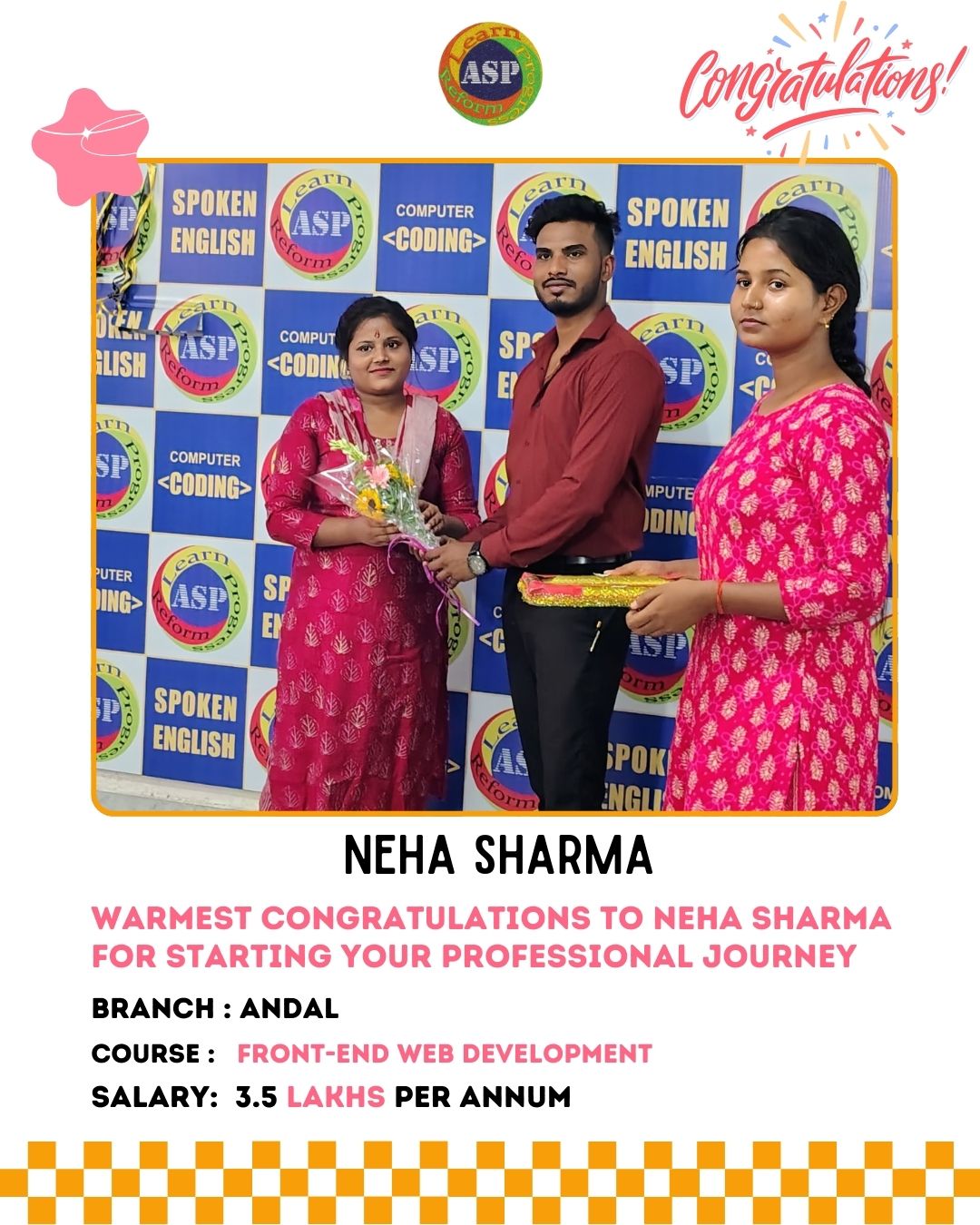
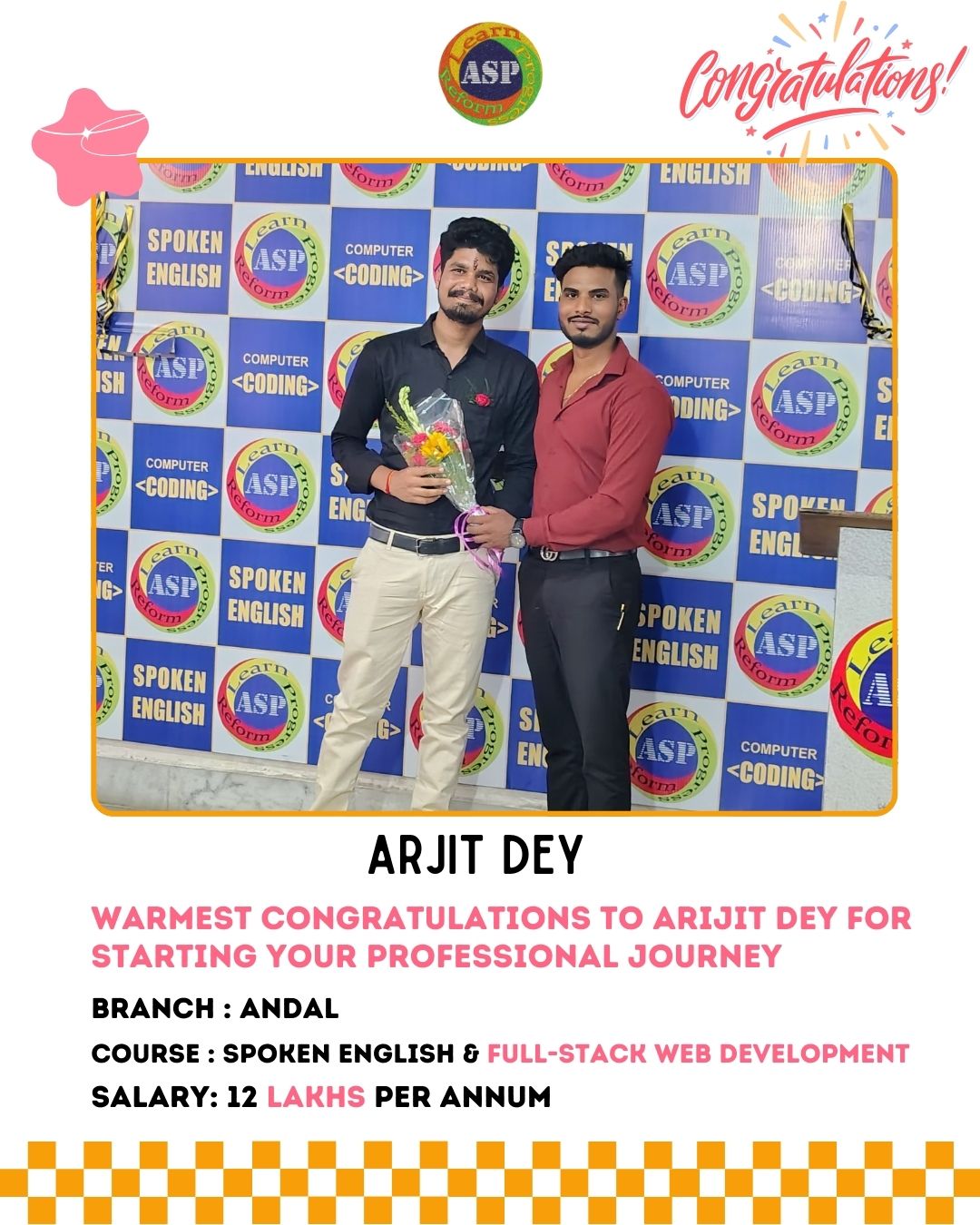
Hear directly from our alumni about how ASP transformed their careers and helped them achieve their professional goals.
Watch & Learn with ASP
Dive into our collection of free tutorials, webinars, success stories, and tech guides crafted by industry experts.
Student Success Stories
"This course changed my life! The projects and clear teaching helped me move from beginner to a Frontend Developer at TCS."
Subhudip
Frontend Developer at TCS"The practical projects made all the difference. Got my first job as a MERN Stack Engineer right after finishing."
Priyanshu
MERN Stack Engineer"The AI module was amazing! It helped me land a role in AI Automation at Tech Mahindra."

Asiya
AI Automation at Tech Mahindra"I started with zero coding knowledge and now I’m doing a Full Stack Internship. Couldn’t be happier!"

Jeet
Full Stack Intern"The mentors explained everything clearly. The real-world projects made my portfolio stand out."

Anamika
Portfolio Placement ReadyWebsite Development Course
Enhance your skills with our Offline Web Developer Course at ASP Computer Coding, combining classroom learning, AI tools, and real-world projects for an immersive experience. This course is perfect for learners who prefer structured in-person guidance and interactive peer learning.
Our program covers front-end layout design, basic program scripts, CSS styling, and deployment tools, guiding you from ideation to execution while keeping you updated with the latest industry trends. It is designed for beginners and junior layout designers, ensuring you gain the practical skills and mentorship needed to build and deploy web applications from scratch.
Why Choose ASP Computer Coding Offline Web Developer Course?
Structured Classroom Learning:Learn directly from expert mentors with personalized support and hands-on guidance.
Industry-Relevant Curriculum:Learn tools like HTML, CSS, JavaScript, Bootstrap, GitHub, and more.
Hands-on Project Work:Work on real-world applications to build a professional portfolio.
Career Assistance:Resume building, interview preparation, online portfolio creation, and access to our network of hiring partners.
Certification:Earn co-certification from ASP Computer Coding upon course completion.
Frequently Asked Questions
What is Web Development Basics?
It is an introductory program teaching the core markup, layout design, responsive adjustments, and client program scripts using HTML, CSS, and basic JavaScript.